A screenshot on a Mac captures what is on screen. A long web page, a chat or a document is taller than that, and there is no built-in way to capture the part below the edge as one picture.
The built-in tools
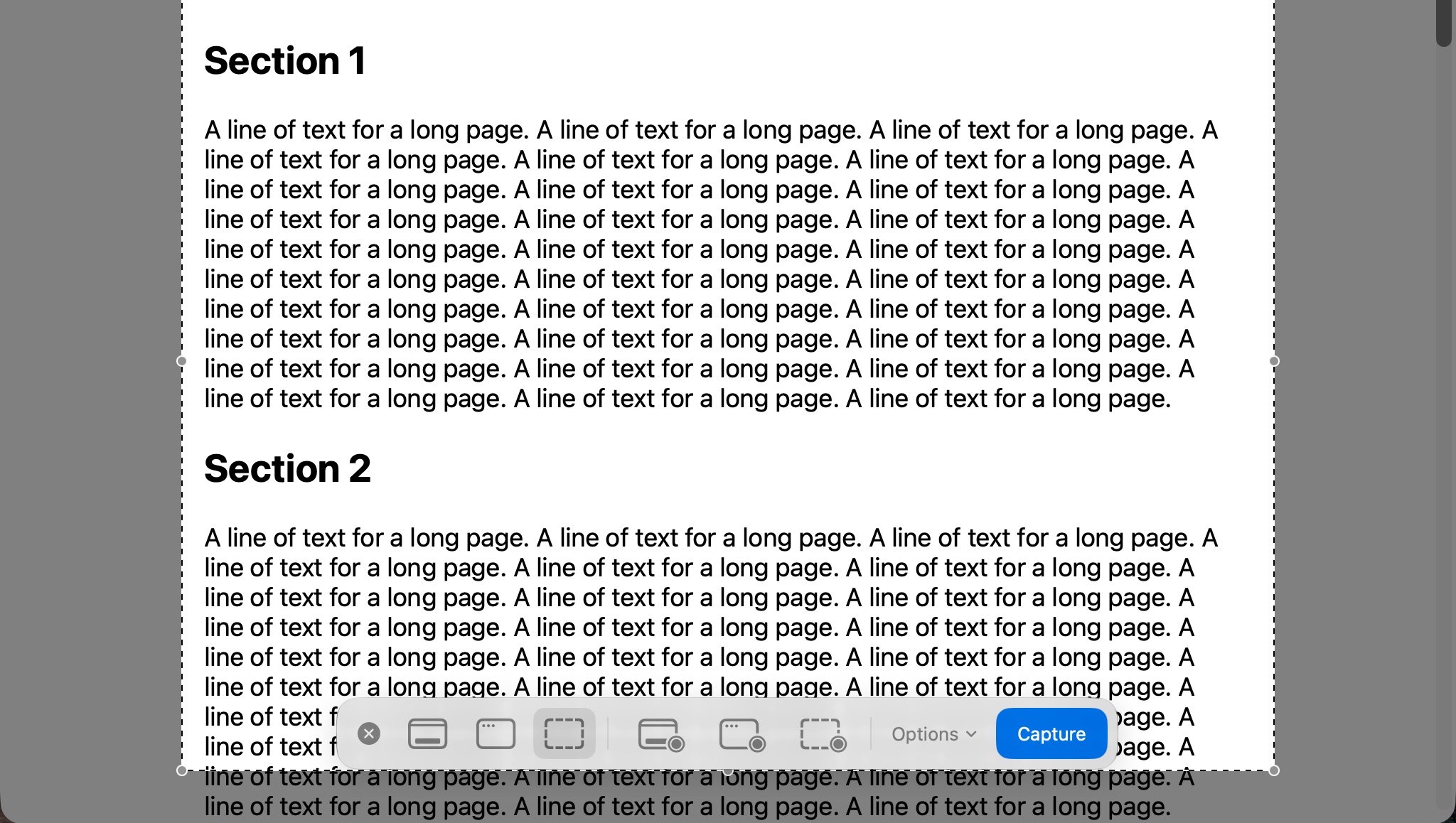
Shift-Command-5 opens the screenshot tools: the whole screen, a window or a part of it, plus screen recording. They are quick and good, and they stop at the edge of the screen.
For a web page, Safari can export the whole page as a PDF. That keeps everything, but it is a document, not an image, and the layout can change when a page is turned into print.
A scrolling capture
A scrolling capture joins what you scroll through into one tall image: a whole receipt, a long thread, a full settings page.
The way your Mac already does it
Press Shift-Command-5 for the screenshot tools; they capture what is on screen, not what is below it.
For a web page in Safari, choose File, Export as PDF to save the whole page.
Where it runs out
macOS has no scrolling capture; the PDF route works only in a browser and gives a PDF, not an image.
PixelShot is coming.
PixelShot is not available to download yet. Leave your email and we will write when it is.